One wallpaper. Every monitor. Zero seams.
Wallpaper Spanner measures your real monitors — size, resolution, position, bezels — and builds one perfectly aligned wallpaper, with zero background footprint once it's applied.
Apply. Close the app. Zero background CPU.
Windows & macOS · Free · No watermark · No subscription · No tray app
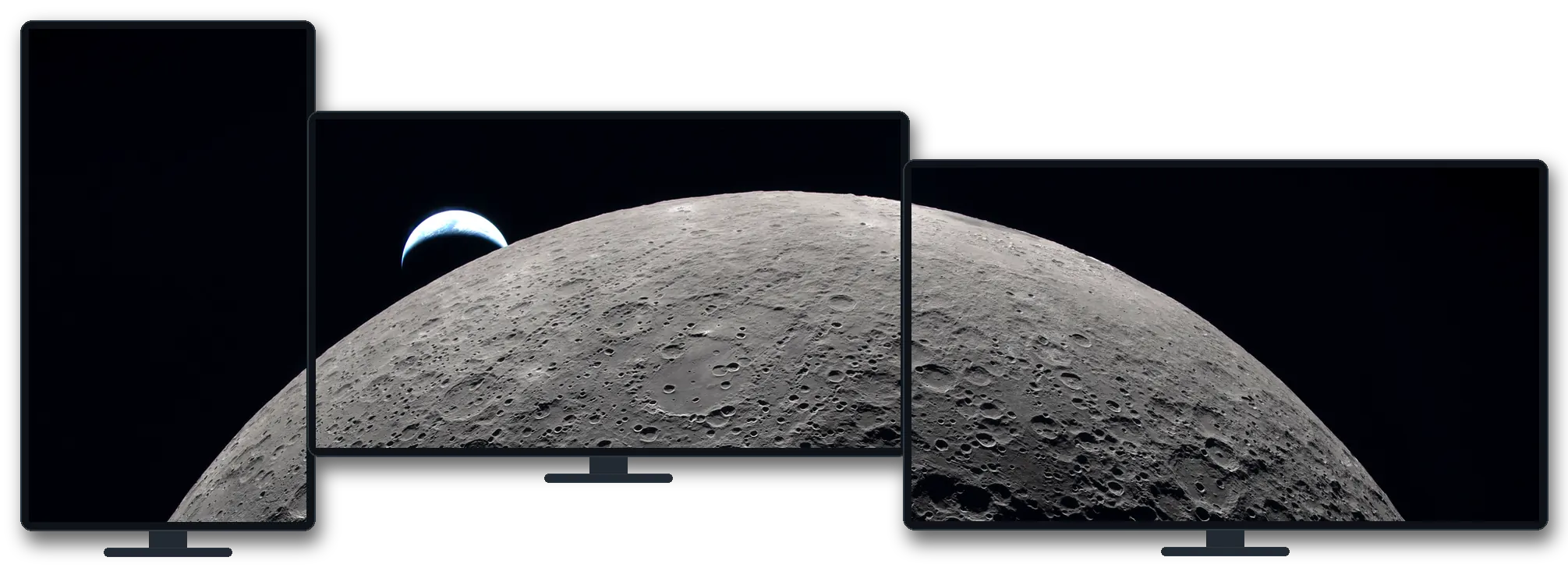
Windows counts pixels. It can't see your desk.
Mismatched resolutions, sizes, heights, bezels — standard Span ignores them all. Wallpaper Spanner calibrates for the monitors actually in front of you.
Drag to compare
Standard Span
Wallpaper Spanner
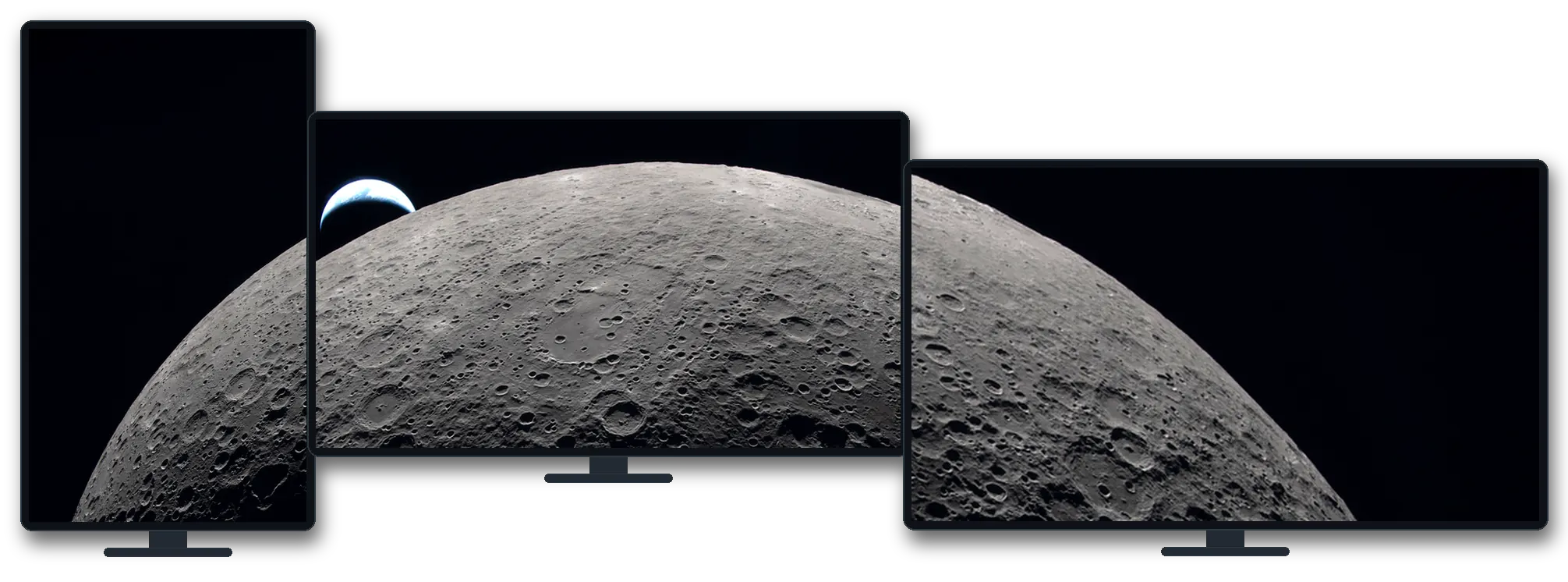
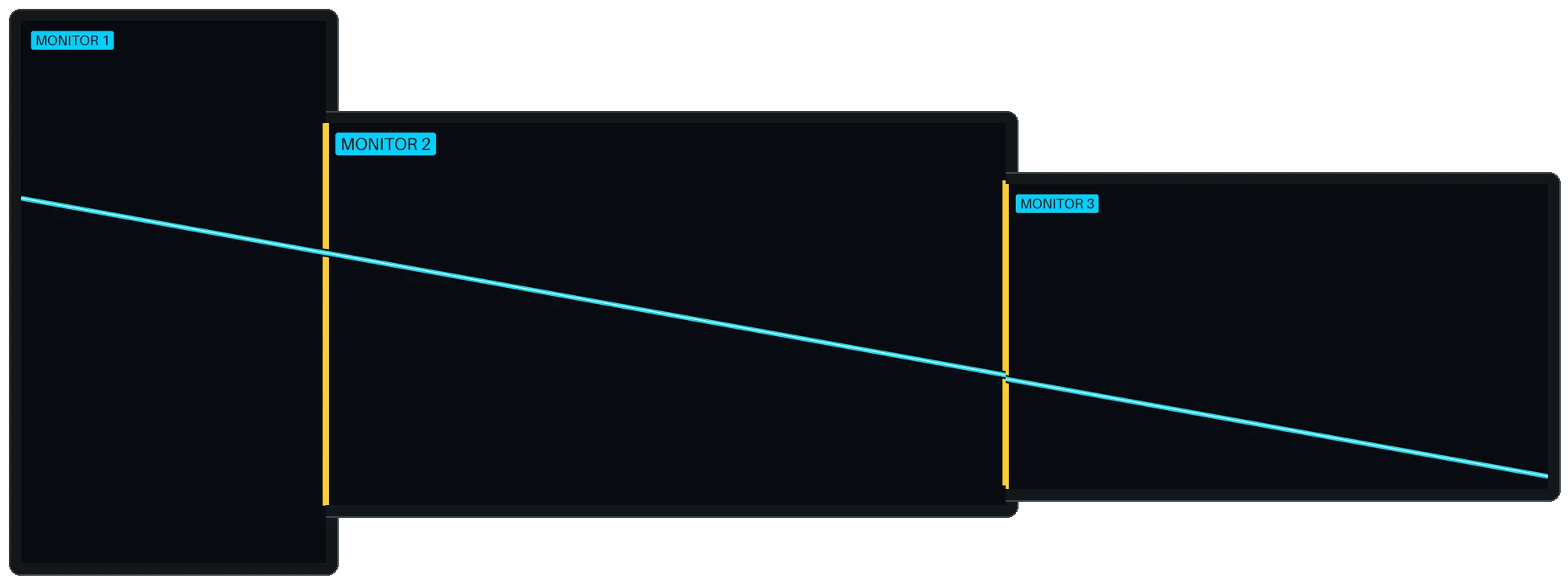
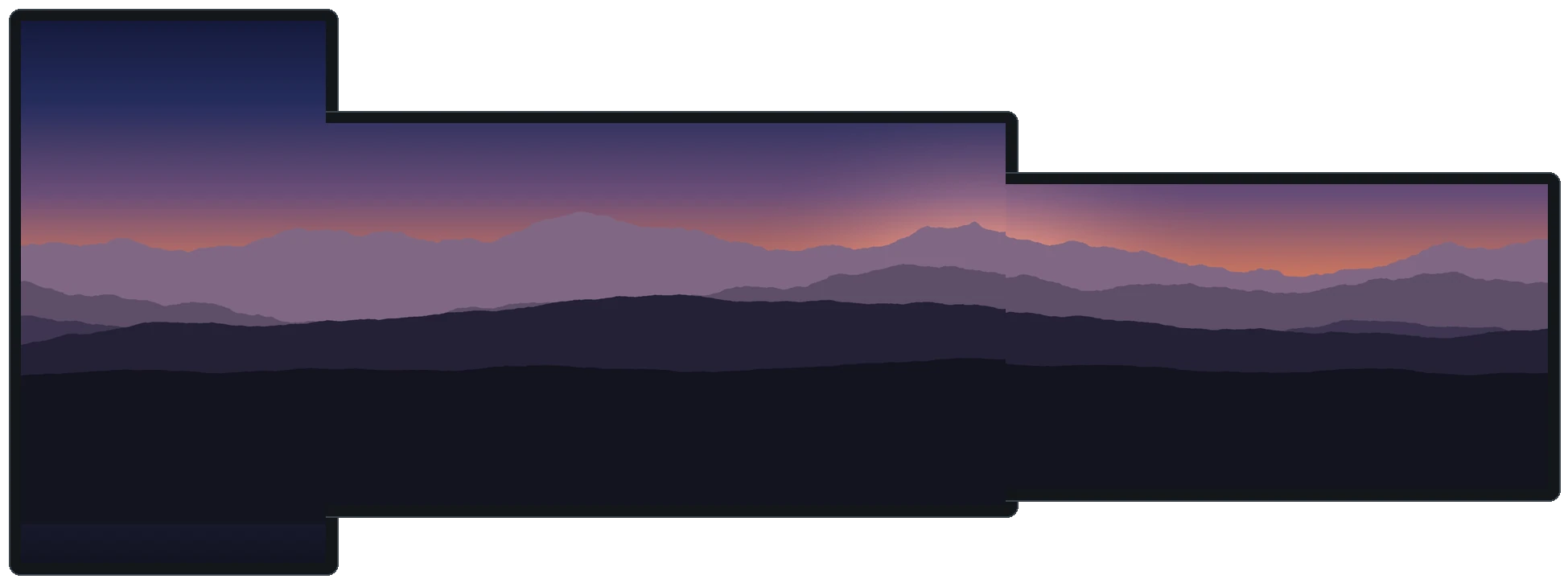
Drag the handle — or focus it and use the arrow keys. Yellow marks the bezel seams.
A rendered comparison, not a screenshot — same photo, same monitor geometry. Left, standard Span stretches pixels and breaks the curve at every seam. Right, Wallpaper Spanner scales by physical size and skips the bezels, so it stays true.
Four steps. Then close it.
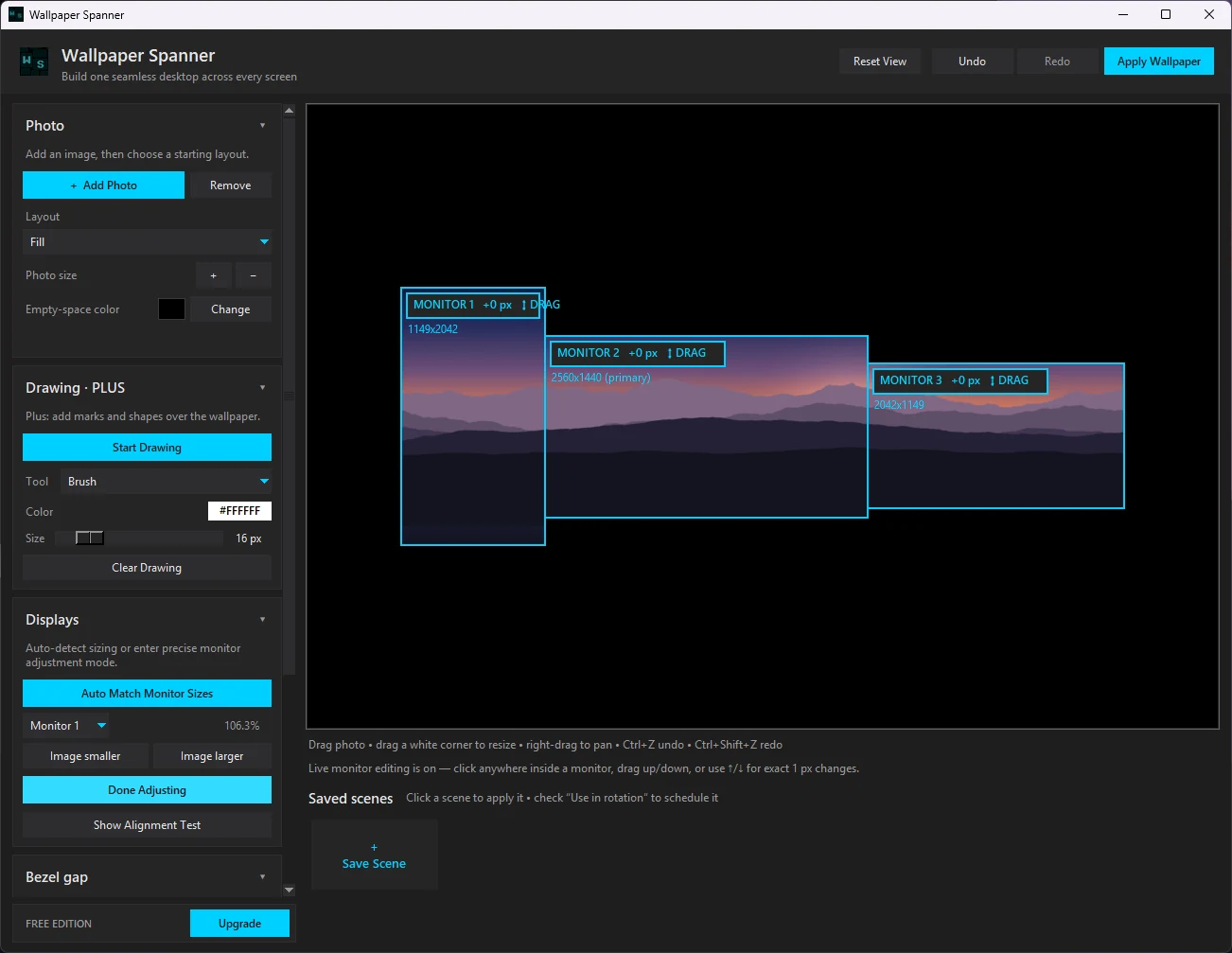
Add a photo
One image, or arrange several.
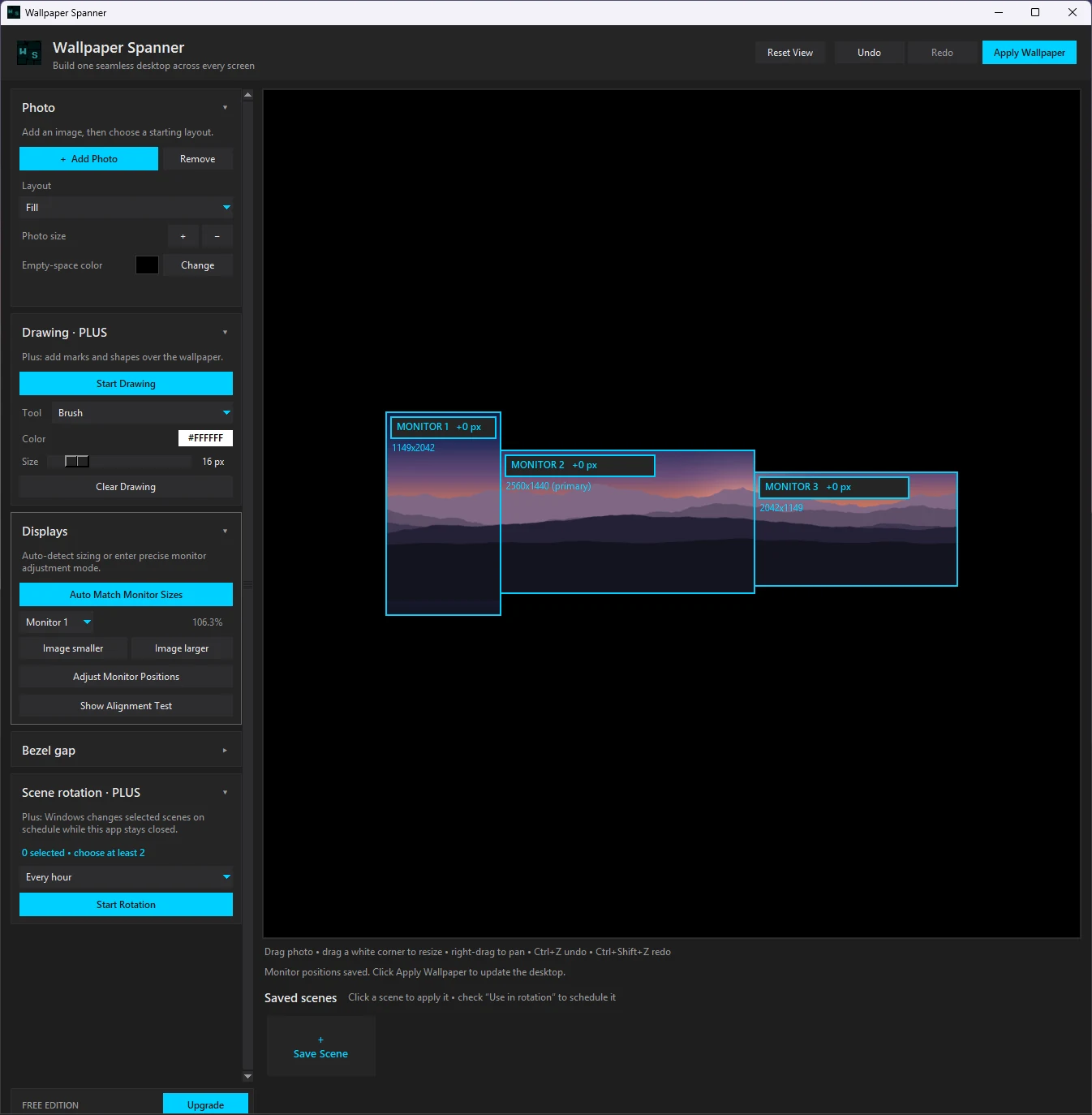
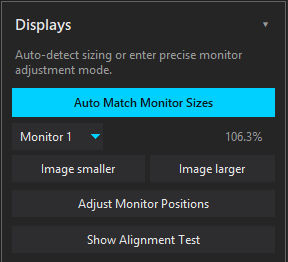
Match your displays
Auto-detect physical size. Fine-tune positions and bezels to the pixel.
Verify the seam
A live alignment test, drawn on your actual desktop.
Apply and close
Your desktop takes it from here. Nothing left running.
Measured, not guessed.
Measure for exact fit
Some monitors report their physical size wrong, or not at all. When one does, the app draws a ruler across that screen — hold a tape measure to it once, and every scale from then on is true.
Auto size matching
Reads the physical size your monitors report and matches scale in one click.
Bezel gaps, px or mm
Dial in the hidden gap between screens until the image crosses it cleanly.
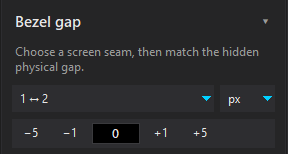
One-pixel positioning
Nudge any display with the arrow keys. Exact, repeatable.
Live alignment test
Every change redraws a high-contrast test pattern on your real desktop.
Full-resolution output
Native resolution per display. No upscaling. No watermark.
Unlimited monitors, free
Two, three, or a wall. Landscape and portrait.
Try it: cross the seam
Slide until the line continues straight across the hidden bezel gap — exactly what the app's bezel control does on your desk.
An interactive diagram — not app UI. In the app, the same adjustment redraws live on your real desktop.
Layouts: Fill · Fit · Stretch · Center · Fit Width · Fit Height · Custom — plus multi-photo collages.
Your wallpaper shouldn't cost you frames.
Wallpaper Spanner builds the image, hands it to your desktop, and gets out of the way. Close it completely — no tray icon, no idle CPU, no memory.
No resident app process. Static wallpapers use zero CPU and zero memory once applied. Optional scene rotation wakes only long enough to change the wallpaper, then exits.
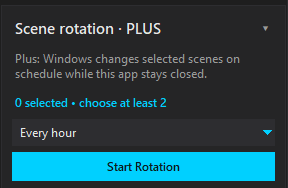
Plus rotation runs on your system's own scheduler — Task Scheduler on Windows, launchd on macOS. It wakes only to change scenes, then exits.
Alignment is free. Plus adds more.
| Feature | Free | Plus |
|---|---|---|
| Unlimited monitors | Yes | Yes |
| Automatic physical-size matching | Yes | Yes |
| Measure for exact fit | Yes | Yes |
| Alignment-test background | Yes | Yes |
| Precise position and bezel controls | Yes | Yes |
| Full-resolution output | Yes | Yes |
| Multiple photos | Yes | Yes |
| Saved scenes | 1 | Unlimited |
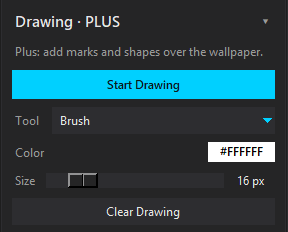
| Drawing tools | — | Yes |
| Scheduled scene rotation | — | Yes |
| Choose scenes for rotation | — | Yes |
| Price | Free | $5.99 once |
One purchase. Yours forever. $7.99 $5.99 during launch.
Quick answers.
Does Wallpaper Spanner stay running?
No. Apply, then close it — zero CPU, zero memory. Optional rotation wakes a scheduled task only when it's time to switch scenes.
Does it handle mixed resolutions?
Yes — that's the point. Mismatched resolution, physical size, orientation, and pixel density are all handled.
Can it detect my monitor sizes?
Yes, when monitors report physical size. If one doesn't, the measure wizard and the live alignment test get you exact anyway.
Does Free add a watermark?
Never. Free outputs the same full-resolution wallpaper as Plus.
What does Plus unlock?
Drawing tools, unlimited saved scenes, and scheduled scene rotation.
Is Plus a subscription?
No. One payment — $5.99 during launch, $7.99 after. Perpetual licence.
Does it change my display settings?
No. Adjustments affect only the generated wallpaper — never your system display configuration.
Which operating systems?
Windows 10 and Windows 11, and macOS.
How does the Mac version work?
macOS gives every display its own desktop picture instead of one spanned image. Wallpaper Spanner composites across all your screens first, then writes each display's slice — so the result is still one continuous scene.
Can I use my licence on both a PC and a Mac?
Yes, within the activation limit. Deactivate on one machine, activate on another.
Built for the desk you actually have.
No subscription · No watermark · No background process